Create Account
Introduction:
This document outlines the steps involved in creating a new user account on the CyberWacht platform.
Steps:
-
Navigate to the Registration Page:
- Open your web browser and go to the CyberWacht registration page( URL)
-
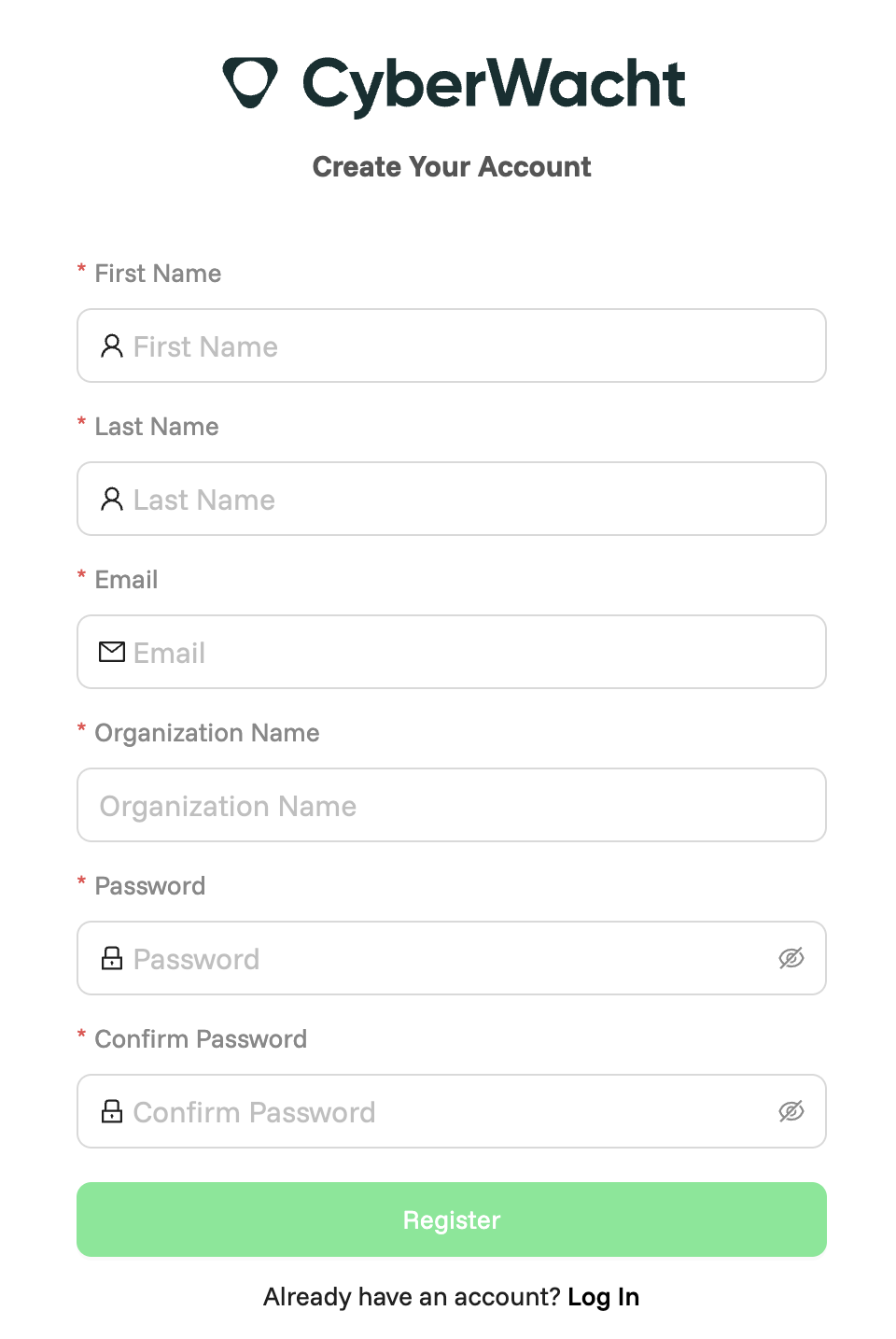
Enter User Information:
- First Name: Enter your first name.
- Last Name: Enter your last name.
- Email: Provide a valid email address.
- Organization Name: Enter the name of your organization.
-
Set Your Password:
- Password: Choose a strong password with the following requirements:
- Minimum length of 8 characters.
- At least one uppercase letter.
- At least one lowercase letter.
- At least one number or symbol.
- Confirm Password: Re-enter the password to ensure accuracy.
- Password: Choose a strong password with the following requirements:
-
Review and Submit:
- Review all the information you’ve entered to confirm its accuracy.
- Once satisfied, click the Register button to submit your account creation request.
Additional Notes:
- Ensure you have a stable internet connection throughout the process.
- If you encounter any issues, please reach out to CyberWacht support at [support email address].
- For detailed usage instructions, refer to the CyberWacht User Guide.
Image:
- Include a screenshot of the CyberWacht Account Creation Page here for visual reference.
Final Reminders:
- Customize: Replace placeholder information (e.g., email address, support contact) with actual details.
- Password Security: Consider adding a section about best practices for creating secure passwords.
- Enhancements: This document can be enhanced by adding FAQs, troubleshooting tips, or more visual references to help users navigate the registration process.